
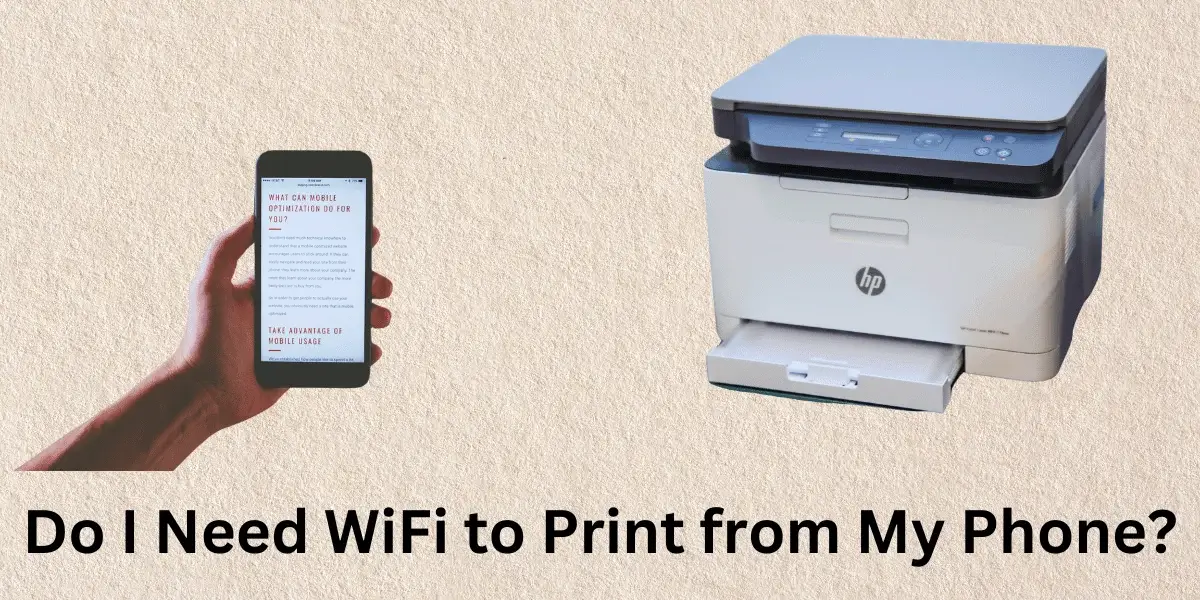

In today’s fast digital world, printing straight from your phone can save you time and help you get more done. But people often ask about Do I need WiFi to print from my phone? The answer will vary depending on your printer. This guide will show you the various ways to print from your phone. You will also learn why you need WiFi. You will also learn valuable tricks to help you print better from your phone.
Need WiFi to Print from My Phone?
What are the different ways you can print from your phone? That’s before we talk about whether you need WiFi to print from your phone:
- Printers with WiFi
- Printers with Bluetooth
- Printing services in the cloud
- Printing via USB OTG (On the Go)
Each way needs different things and has other benefits.
WiFi Printers
How WiFi Printers Work?
You can connect a WiFi printer to your office network without wires to send print demands straight from many devices. People use it a lot because it’s easy and can be used in many ways.
Do You Need WiFi?
Yes, a WiFi network is needed for a printer to work. You need to link your phone and printer to the same network to print. How to do it:
Ready to ditch the computer and print straight from your phone? Help you to get started, here are some steps to follow:
1.Wi-Fi Setup:
Get the instructions for your printer and it will show you how to connect to your Wi-Fi network. By doing this, you’ll use the printer’s settings and enter your Wi-Fi password. It’s the same as setting up any other Wi-Fi part.
2.App Time:
Every brand of printer has its own phone app, which works like a remote for your printer. In the app store on your phone, look for the app by the name of your printer. Get this app and set it up. It will be the main way you print from your phone.
3.WiFi Network
It may seem straightforward that your phone and printer to talk to each other; they need to be on the same Wi-Fi network. This ensures your phone can “see” the printer and send jobs to print. Recheck your phone’s WiFi settings to ensure they match the network the printer is connected to.
Bluetooth Printers
Bluetooth printers don’t need internet access because they can connect directly to your phone via Bluetooth. This is the best way to print in places where WiFi option isn’t available.
Do you need internet?
No, printers that use Bluetooth don’t need WiFi. They use Bluetooth technology to connect your phone directly to the printer. How to set it up:
- Both your phone and printer should have Bluetooth turned on.
- Find the printer in your phone’s Bluetooth settings and pair the two.
- To handle print jobs, some printers may still need you to install a specific app.
- Open the file, choose print, pick the Bluetooth printer, and print.
Cloud Printing Services
How services for printing in the cloud work?
You can print from anywhere with an internet link if you have a cloud printing service, like Google Cloud Print (which has been shut down but replaced by similar services from other providers). They send your print job to your printer through the cloud.
Do you need internet?
Yes and no both. You need to be able to connect to the internet. You can also use WiFi connection or your phone’s data package. To print from the cloud, do the following:
- Connect Printer to Cloud Service: To connect your printer to a cloud printing service, follow the instructions that come with it.
- Connect to the internet: Ensure your phone and printer are online.
- Install the Cloud Print app: Install the right app for your phone.
- Print: Open the file, pick the cloud printer, and print.
USB OTG (On-The-Go) Printing
How USB OTG Printing Works
You can connect your phone directly to a printer with USB OTG and a USB cable. This is useful for older printers without wireless features. You don’t need WiFi to print from a USB OTG drive.
How to set it up:
- Get a USB OTG cable. Buy a USB OTG cable that works with both your phone and printer.
- Link devices to your phone and the printer using the USB OTG connection.
- run the printing app. You should run a printing app with USB OTG, like Printer Share.
- To get the print Open the file, choose “print,” pick the USB printer, and print.
Enhancing Your Mobile Printing Experience
To make the most out of mobile printing, here are some tips:
- Update Firmware and Apps:
For the best performance and safety, ensure that your printer’s firmware and mobile printing apps are always the most recent versions.
- Make Sure It Works:
Make sure your printer can print from your phone and is compatible with your phone.
Use good paper and ink. To get the best print quality, always use the paper and ink that come with your printer.
- Check Out the Writing Options:
To improve your print jobs, use options like writing on both sides of the paper, changing the colors, and previewing the print job before you print it.
- Protect Your Network:
If you use a WiFi printer, protect your network so that people who aren’t meant to be there can’t get in.
Conclusion
In conclusion, Printing from your phone, even when you don’t have WiFi, makes things more flexible and allows you to print hard copies of photos and papers in various settings. Each way has benefits, such as WiFi printing for ease of use, Bluetooth for direct connections, cloud printing for access from anywhere, and USB OTG for older devices. If you know about these choices and follow our advice, you can get more out of mobile printing and make your work easier.

Noah Oliver is a seasoned tech writer with four years of experience, unraveling complex topics into clear, engaging content. With a passion for all things technology, Noah crafts insightful articles that empower readers to stay ahead in the fast-evolving digital world.